Technical SEO for AI optimization is no longer a future concern; it's a present-day requirement for any website that wants to remain visible and useful. As AI agents, from ChatGPT plugins to autonomous research bots, begin crawling the web alongside traditional search engines, the rules of discoverability are shifting fast.
Your site's structure, metadata, and machine-readable signals determine whether an AI agent can understand, summarize, and recommend your content. If you've already started thinking about an AI readiness website audit, this checklist will give you the specific technical steps to act on. The gap between sites that AI agents can parse and those they can't will only widen. This guide walks you through four actionable areas, with real implementation details, so your website is optimized for both traditional and AI-driven crawling.
Key Takeaways
- Structured data markup directly affects how AI agents interpret and surface your content.
- Your robots.txt and crawl directives need specific rules for AI bot user agents.
- Page speed and clean HTML architecture impact AI crawling efficiency significantly.
- Semantic HTML and heading hierarchy help AI agents extract meaning from your pages.
- Machine-readable documentation like llms.txt gives AI agents a clear content map.
1. Implement Structured Data and Schema Markup for AI Agents
Choosing the Right Schema Types
Schema markup gives AI agents a vocabulary to understand your content beyond raw text. While traditional SEO benefits from basic schemas like Article, Product, and FAQ, AI optimization demands you think more broadly. Consider adding HowTo, Organization, SoftwareApplication, and Dataset schemas where applicable. These types give AI systems the structured context they need to generate accurate summaries and recommendations about your site.
Start by auditing every page template on your website. Your homepage should carry Organization schema with complete contact, social, and description properties. Blog posts need Article schema with author, datePublished, dateModified, and headline fields fully populated. Product pages benefit from granular schema that includes pricing, availability, reviews, and SKU data. The more explicit you are, the less an AI agent has to guess.
Use JSON-LD format for schema markup rather than Microdata or RDFa, as it's Google's recommended approach and easiest for AI parsers to consume.
Testing and Validating Your Markup
Validation is not optional. Run every page through Google's Rich Results Test and Schema.org's validator to catch errors and warnings. Pay special attention to missing required properties; an AI agent that encounters incomplete schema may ignore the entity entirely. Also check for nested schema relationships, like connecting a Review to its parent Product, since these connections help agents build richer knowledge representations.
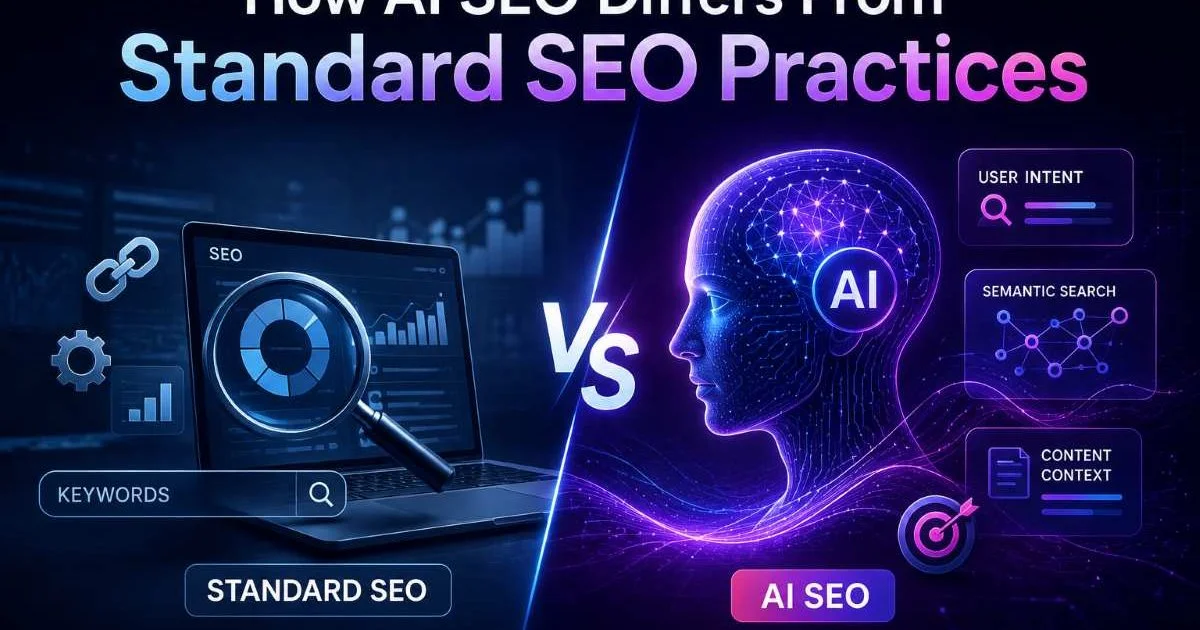
Beyond validation tools, test your pages against AI systems directly. Ask ChatGPT or Perplexity about your brand or products and observe what they return. If the information is wrong or absent, your structured data likely has gaps. Understanding how AI SEO differs from standard SEO practices will help you prioritize which schema types to implement first for maximum agent visibility.
2. Configure Crawl Access and Bot Directives
Updating robots.txt for AI Crawlers
Your robots.txt file is the first thing any crawler reads, and AI bots are no exception. The problem is that many site owners either block everything by default or allow everything without distinction. You need a targeted approach. Identify the major AI crawler user agents (GPTBot, Google-Extended, CCBot, Anthropic's ClaudeBot) and write explicit allow or disallow rules for each one based on your content strategy.
A practical robots.txt configuration might allow GPTBot access to your blog and documentation while blocking it from admin pages, staging content, and internal tools. Be specific with your directory paths. Broad disallow rules like blocking your entire domain from GPTBot will remove you from ChatGPT's browsing results entirely. The difference between AI crawling and traditional crawling means you should treat these user agents with individual policies.
Blocking GPTBot in robots.txt will prevent your content from appearing in ChatGPT's browsing and plugin responses. Only block if you have a specific reason.
Adopting llms.txt for Machine Documentation
The llms.txt file is an emerging standard that provides AI agents with a structured overview of your site's content, purpose, and key pages. Think of it as a machine-readable "About" page. Place it at your root domain (yoursite.com/llms.txt) and include your site's name, a brief description, primary content categories, and links to your most important resources. This helps AI agents quickly understand what your site offers without crawling every page.
While llms.txt isn't universally adopted yet, early implementation positions your website ahead of competitors. Include links to your API documentation, product pages, pricing information, and content hubs. Keep the format clean and update it when your site structure changes. This single file can dramatically improve how accurately AI agents represent your brand in their outputs.
3. Optimize HTML Architecture and Semantic Structure
Heading Hierarchy and Content Sections
AI agents parse your HTML to extract meaning, and they rely heavily on semantic elements to do it. A proper heading hierarchy (one H1 per page, followed by H2s and H3s in logical order) gives agents a content outline they can traverse. Never skip heading levels or use headings purely for visual styling. Each heading should accurately describe the content that follows it, because AI agents treat headings as section labels when building their understanding of a page.
Use semantic HTML5 elements throughout your templates. Wrap your main content in a <main> tag, navigation in <nav>, and supplementary content in <aside>. These elements tell AI agents which content is primary and which is peripheral. A page where the main article sits inside a generic <div> surrounded by sidebar widgets and footer links forces the agent to guess what matters. Learning how to make your website AI agent friendly starts with these foundational HTML decisions.
"Semantic HTML isn't just about accessibility anymore; it's the language AI agents use to understand what your content actually means."
Accessibility and AI Friendliness Overlap
There's significant overlap between web accessibility best practices and AI agent optimization. Alt text on images, ARIA labels on interactive elements, and descriptive link text all help AI agents understand content that isn't plain text. A link that reads "click here" tells an agent nothing, while "view our pricing plans" provides clear context. Every accessibility improvement you make simultaneously improves your site's readability for AI systems.
| HTML Element | AI Agent Benefit | Priority Level |
|---|---|---|
| <main> | Identifies primary content area | High |
| <article> | Defines self-contained content blocks | High |
| <nav> | Maps site navigation structure | Medium |
| <aside> | Separates supplementary from core content | Medium |
| <header> / <footer> | Identifies page chrome vs. content | Medium |
| <time datetime> | Provides machine-readable dates | High |
| <figure> / <figcaption> | Associates images with descriptions | Medium |
Tables, lists, and definition elements also carry semantic weight. When you present data in a proper HTML table rather than a styled div grid, AI agents can parse rows, columns, and headers correctly. Ordered and unordered lists signal sequential steps or grouped items. These small choices compound into a dramatically more parseable page that AI systems can accurately interpret and reference in their responses.
4. Improve Performance and Rendering for AI Crawlers
JavaScript Rendering Risks
Heavy JavaScript frameworks present a real problem for AI crawlers. While Googlebot has a sophisticated rendering engine, most AI agents do not. They often read only the initial HTML response without executing JavaScript. If your content loads dynamically through client-side rendering (common with React, Vue, or Angular SPAs), AI agents may see an empty page. Server-side rendering (SSR) or static site generation (SSG) should be your default for any content you want AI systems to access.
Test what your pages look like without JavaScript enabled. Open Chrome DevTools, disable JavaScript, and reload your key pages. If critical content, headings, or navigation disappear, you have a rendering dependency that will block AI crawlers. Hybrid approaches like Next.js with SSR or Nuxt.js with SSG solve this problem by delivering fully rendered HTML on the initial request while still providing interactive client-side experiences for users.
Some AI crawlers, including GPTBot, have limited JavaScript execution capabilities. Never assume an AI bot will render your JavaScript the same way a browser does.
Speed Metrics That Matter
Page speed directly affects crawl efficiency. AI agents working at scale need to process thousands of pages quickly, and slow response times mean your site gets fewer pages crawled per session. Focus on server response time (Time to First Byte under 200ms), compressed transfer sizes, and minimal redirect chains. A fast, clean response tells AI crawlers that your site is well-maintained and worth indexing deeply.
Building strong strategic SEO and brand authority requires that both human visitors and AI agents can access your content quickly. Implement proper caching headers, compress images with modern formats like WebP or AVIF, and minimize third-party script loading. Remove unused CSS and JavaScript from your critical rendering path. Every millisecond you shave off your response time translates directly into more pages crawled and better AI agent comprehension of your site's full content library.
Monitor your server logs for AI bot activity specifically. Track which user agents are hitting your site, how many pages they request per visit, and what response codes they receive. This data reveals whether your technical SEO optimizations for AI are actually working. If GPTBot is hitting your site but only crawling three pages before stopping, you likely have a speed or crawl-path problem worth investigating immediately.
Set up a custom server log dashboard that filters for known AI crawler user agents so you can track crawl patterns separately from traditional search bots.
Frequently Asked Questions
?How do I add llms.txt to my website for AI crawlers?
?Is JSON-LD schema better than Microdata for AI optimization?
?How long does a full AI readiness website audit typically take?
?Does incomplete schema markup actually hurt AI agent discovery?
Final Thoughts
Technical SEO for AI optimization builds on familiar fundamentals but demands a sharper focus on machine readability, structured data, and explicit access controls. The four areas covered here (schema markup, crawl directives, semantic HTML, and performance) form a practical foundation you can implement this week. Start with your highest-traffic pages and work outward.
The sites that adapt their technical SEO for AI agent friendly standards now will capture visibility that slower-moving competitors simply won't recover.
Disclaimer: Portions of this content may have been generated using AI tools to enhance clarity and brevity. While reviewed by a human, independent verification is encouraged.